- What is a computer network?
- Types of networks by scope
- Types of networks by topology
- Wired or wireless networks
- The devices that connect it all
- VLANs: splitting a network without touching the cabling
- Client-server vs peer-to-peer (P2P)
- Comparison table of network types
- How to choose the right type of network
- Conclusion
- Frequently asked questions
Walk into any office and count the cables under the desks. Now count the Wi-Fi networks your phone can see from the lobby. Then think about the one network that carries your email, your bank and this page every second. They all run on the same three decisions, and you can name any network on earth once you answer them: how many devices it links, how far apart they sit, and how those links are joined.
Answer those and the type of network names itself. The Bluetooth link between your phone and its earbuds is one. Your office LAN is another. The university MAN, the internet, which is nothing less than a network of networks, all follow the same logic. This guide covers the whole map: reach (PAN, LAN, MAN, WAN), topology (bus, star, ring, mesh), medium (wired or wireless) and who serves whom (client-server or peer-to-peer).
What is a computer network?
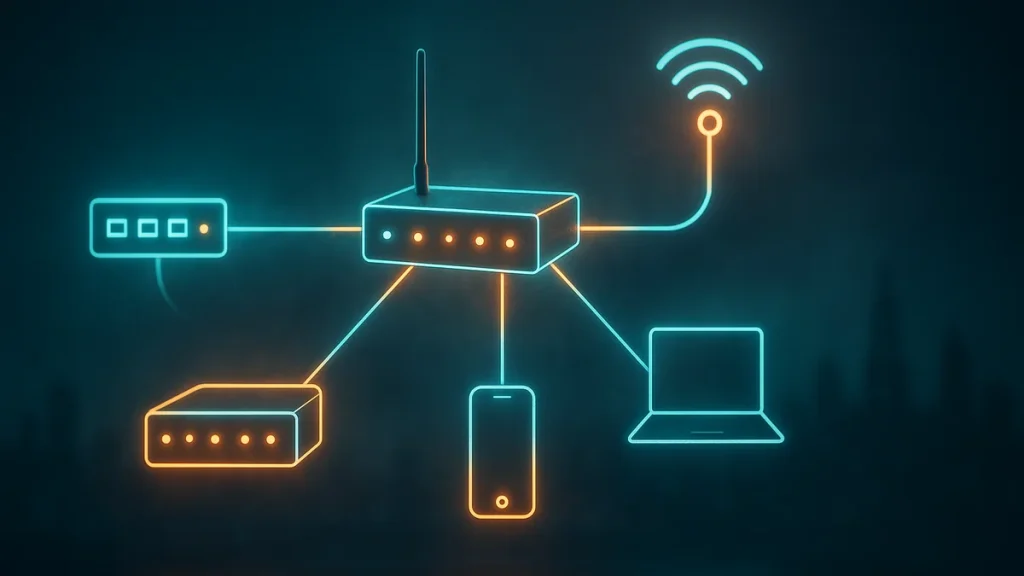
A computer network is a set of devices linked to one another so they can share resources, services and information. Sharing is the entire point. A printer, a file or an internet link stops belonging to one machine and becomes available to several at once.
These labels do not exclude each other, and that is where plenty of people get stuck. The same office runs a cabled LAN, three Wi-Fi networks and one internet uplink at the same time, with VLANs stacked on top to regroup the whole thing logically. Real setups combine every category at once.
Types of networks by scope
The classification you will meet most often sorts networks by the territory they cover, running from the smallest to the largest: PAN, LAN, MAN and WAN.
PAN: personal area network
A PAN (personal area network) spans a few metres, roughly the space around one person. Picture the link your phone builds with its earbuds, its smartwatch or the laptop on your desk. It also covers the very short-range traffic between USB devices. Small reach, few devices, and that is all it needs.
LAN: local area network
A LAN (local area network) connects computers inside a bounded area: a home, a school, a lab, a campus or one floor of an office. This is the network that lets several machines share a printer, a network drive or the same internet connection.
The dominant LAN technologies are Ethernet, defined by the IEEE 802.3 standard, and Wi-Fi, covered by the IEEE 802.11 family. Older options such as Token Ring or ARCNET fell out of use as Ethernet and Wi-Fi got faster. The way each machine is identified at this level, the familiar MAC address, is what lets data reach the right recipient.
MAN: metropolitan area network
A MAN (metropolitan area network) covers a city or a region bigger than a LAN and smaller than a WAN. It joins several sites of one organisation over high-speed links: the buildings of a university, or a company’s offices spread across the same city. MANs can be public or private, and today they usually lean on fibre optic, which makes fewer errors than copper over the same distance.
WAN: wide area network
A WAN (wide area network) stretches across a large geographic distance. Companies use it to connect branches scattered around the world, often over telecom circuits leased from a carrier.
More recently, software-defined WAN (SD-WAN) lets a company steer traffic across several carriers instead of locking into a single circuit, which makes a WAN cheaper to change as sites are added.
The internet is the largest WAN in existence: a network of networks that ties millions of local and metropolitan networks together under one set of protocols. Size is only half of the gap between a LAN and a WAN. The other half is control. A LAN usually belongs to whoever uses it, while a wide WAN almost always involves outside carriers. Private and public addressing still follows the IETF’s RFC 1918.
Types of networks by topology
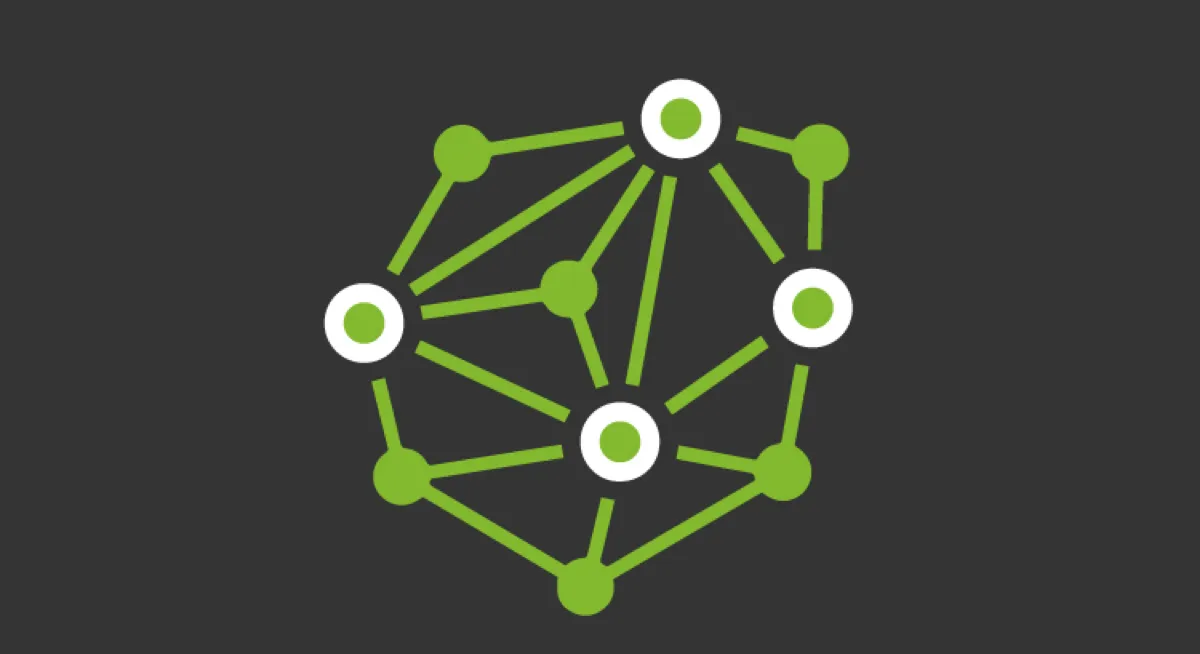
Topology describes the shape of the connections between devices. It looks like a diagram. It also decides cost, speed and how well the network survives a failure, and none of those are small things.
Bus topology
Every device shares one central communication channel. It is the simplest and cheapest design, and also the most fragile. If the backbone cable breaks, the whole network goes down. The more devices transmit at once, the more collisions and the less throughput. Today it barely survives outside very specific settings.
Star topology
Each device connects to a central node, either a switch or an access point, that manages the traffic. This is the topology that dominates modern networks. If one device’s link fails, the rest keep working, and adding or removing devices does not disturb the whole. Its weak point is the central node: lose it and everything hanging off it goes with it.
Ring topology
Devices connect in a chain that closes into a circle, and data travels around it. Orderly and predictable, yes. A single break can still isolate part of the network. It became popular with Token Ring, and today it survives in industrial settings and in some fibre designs.
Mesh topology
Each node links to several of the others, so multiple paths exist between any two points. It is the most fault-tolerant design: when one link drops, traffic looks for an alternative route. The trade-off is more connections and higher cost. It is the logic behind a large part of the internet and of data centres.
Wired or wireless networks
The other big split is how the signal travels: over a physical medium or through the air.
Wired networks
Cable delivers stability, low latency and sustained speed. Ethernet over twisted pair covers short runs inside a building, while fibre optic allows much longer spans and very high speeds. For servers and fixed workstations, it is still the reference choice.
Wireless networks: WLAN and Wi-Fi
A WLAN (wireless LAN) is a local network that connects devices without cables. Its great advantage is mobility: you can move around the area without dropping the connection, and no corner needs cabling. The technology that makes it work is Wi-Fi, driven by the Wi-Fi Alliance and standardised as IEEE 802.11. The price you pay is a shared medium that depends on the environment. Walls, interference and distance all hurt performance. When a network feels slow, improving internet speed usually starts with the access point and the channel, not only with the plan you pay for. Where radio struggles, LiFi proposes sending data on visible light, with a much shorter reach and no passing through walls.
The devices that connect it all
Whichever type of network you are looking at, the same handful of devices does the work. A network interface card (NIC) gives each machine its physical connection and its MAC address. A switch links devices inside a LAN and forwards frames only to the port that needs them. A router joins different networks, your LAN to the internet or one subnet to another, and decides where each packet should go. A wireless access point extends the LAN through the air, and a modem or ONT translates the carrier’s signal into something the local network can use.
Every one of them earns its place. Together they turn a pile of cable and radios into a network you can classify at all. Confusing a switch with a router is one of the most common mistakes, and the difference is simple. The switch moves traffic inside one network. The router moves it between networks.
VLANs: splitting a network without touching the cabling
A VLAN (virtual LAN) creates logically independent networks inside one physical network. A switch or a router can host several VLANs, each grouping a specific segment, and devices in one VLAN cannot see devices in another unless you configure it otherwise.
The benefit cuts both ways. It simplifies administration, because you group devices by role even when they are spread across a building. It also improves security, because it limits lateral moves between devices. Keeping connected appliances apart from the rest at home, or isolating the guest network from the work one, stops something that slips in through one exposed machine from spreading to the others. That same mechanism is what an attacker abuses to hop from machine to machine, so cutting those paths also slows the spread of things like a computer virus.
Client-server vs peer-to-peer (P2P)
Beyond size and topology, a network is organised by who provides the services.
In the client-server model, some machines (clients) request services and others (servers) offer them centrally. It is the scheme behind most companies: a file server, a web server or a user directory. You get control, security and scalability. You also get administration work and a server that becomes a critical point. Behind that centralised management sit network operating systems, the software that handles users, files and printers.
In peer-to-peer (P2P) networks, every machine can act as both client and server, with no central authority. It is the easy thing to set up at home to share a folder between two computers, and it is also the logic of distributed technologies such as BitTorrent. Cheap, and it does not depend on a central node. It also gets harder to manage and to secure as it grows.
Comparison table of network types
| Type | Scope | Typical example | Common technology |
|---|---|---|---|
| PAN | A few metres, around one person | Phone and earbuds over Bluetooth | Bluetooth, USB |
| LAN | A building or a campus | An office network | Ethernet, Wi-Fi |
| MAN | A city or a region | A university’s sites | Fibre optic, dedicated links |
| WAN | Country, continent or worldwide | The internet | Fibre, MPLS, satellite |
| Topology | Strength | Weakness |
|---|---|---|
| Bus | Simple and cheap | A fault in the backbone takes down the whole network |
| Star | An isolated fault does not affect the rest | Depends on the central node |
| Ring | Orderly and predictable | A break can isolate part of the network |
| Mesh | Alternative routes when a link fails | More connections and higher cost |
How to choose the right type of network
In practice nobody picks a single one. Real setups combine them. A home or a small office gets by with a LAN, cable for the fixed machines and Wi-Fi for the phones. Several sites in the same city form a MAN, and sites in different cities form a WAN. Inside the building, VLANs separate things by function (guests, admin, servers) without duplicating the cabling. The decision comes down to three questions: how much reliability the link needs, how much mobility is required and how much separation you want between devices.
Conclusion
Sorting networks by scope, topology or organisation is not an academic exercise. It is how you decide which technology fits each case. PAN, LAN, MAN and WAN answer how far. Bus, star, ring and mesh answer how it connects. Client-server or P2P answers who is in charge. Get those three right and you stop guessing.
Frequently asked questions
What is the difference between a LAN and a WAN?
Scope and control. A LAN covers a building or a campus and is usually owned by whoever uses it. A WAN stretches across countries or continents and normally depends on outside carriers. The internet is the largest of them all.
Which network topology is the most reliable?
Mesh, because it offers alternative routes. If one link fails, traffic can go around the problem. In office networks, star is the most common, because it combines simplicity with the ability to isolate faults.
What is a PAN and what is it for?
It is the personal area network, the one covering a few metres around a user. It lets a phone talk to earbuds, a watch or a laptop using short-range technologies such as Bluetooth.
Is wired or Wi-Fi better?
It depends on the use. Cable wins on stability, latency and sustained speed, which is why it is the choice for servers and fixed desks. Wi-Fi brings mobility and convenience, as long as coverage and interference are kept under control.